Document Structure
By combining tags, we can create an HTML document. The content of an HTML document is what is sent to the browser so that it can display a page to a user.
Let's look at how you can combine tags to make a document.
Every HTML page needs the same basic structure
An HTML document needs these tags to work:
- a self-closing
DOCTYPEtag htmltag- a
headtag (nested inside thehtmltag) - a
bodytag (nested inside thehtmltag)
There can be only one of each of these elements in an HTML page, and they are always in the same arrangement:
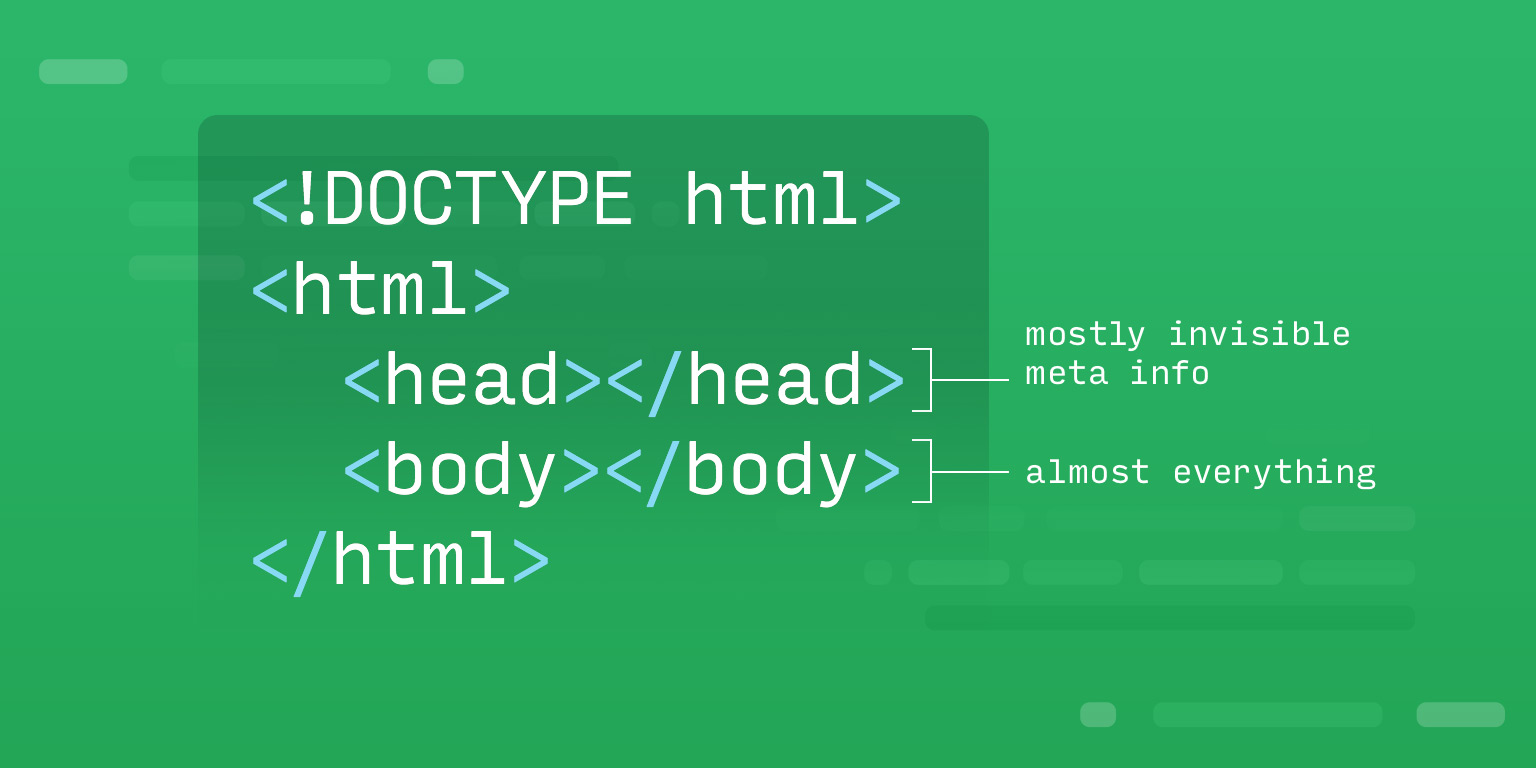
Tags can enclose other tags
This creates a nested structure
Tags can contain text, but they can also contain other tags!
<ol class="recipe-steps">
<li>Heat the milk in a pan until steaming.</li>
<li>Add the cocoa powder and sugar.</li>
<li>Stir with a whisk until combined.</li>
</ol>
Nested elements should be indented two spaces beneath the element they are nested inside.
Content that displays on the page goes inside the body tags
Notice the elements nested inside the body tags in this example below. There are elements nested inside the article element as well.
info
You can edit this code! Try changing the HTML below and see what happens.
- HTML
- CSS